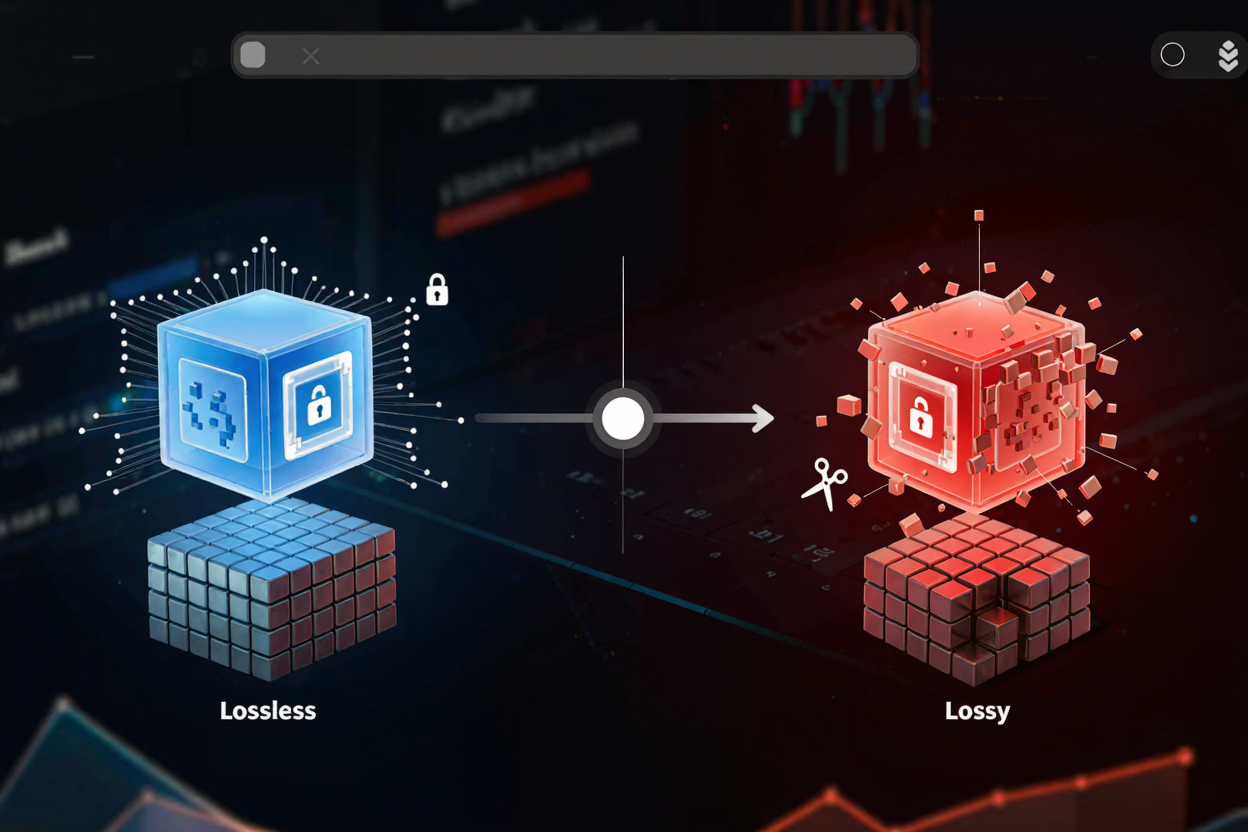
Lossless vs Lossy Image Conversion: A Comprehensive Guide
Understand the differences between lossless and lossy image compression. Learn when to use each for optimal quality, file size, and web performance with ConvertMinify.
In today’s digital world, images are everywhere, from professional websites to personal social media feeds. The way these images are stored and transmitted significantly impacts their quality, load times, and overall user experience. Understanding the difference between lossless and lossy image conversion is crucial for anyone working with digital media.
At its core, image conversion involves altering an image file, often to change its format or reduce its size. The choice between lossless and lossy methods dictates how much, if any, visual information is preserved or discarded during this process. This decision has profound implications for image quality, storage requirements, and web performance.
What is Lossy Image Compression?
Lossy compression is a method that achieves smaller file sizes by permanently discarding some of the image data. This process is irreversible, meaning the lost data cannot be recovered, and the original image quality cannot be fully restored once compressed. It works by identifying and removing redundant or less critical visual information that the human eye is less likely to notice.
This technique is widely used for web images and applications where file size is a primary concern. Common formats like JPEG (Joint Photographic Experts Group) are prime examples of lossy compression. While it offers significant file size reductions, repeated saving or editing of a lossy image can lead to noticeable degradation in quality, often manifesting as artifacts or blurriness.
When to Use Lossy Compression
- Websites and Blogs: For faster page load times and reduced bandwidth usage.
- Social Media: Platforms often apply their own lossy compression; starting with a moderately compressed image can prevent further drastic quality loss.
- Email Attachments: To keep emails lightweight and easy to send.
- Non-critical Images: Where slight quality reduction is acceptable for the benefit of smaller files.
Pros and Cons of Lossy Compression
- Pros:
- Significantly smaller file sizes.
- Faster loading times for web content.
- Reduced storage space requirements.
- Cons:
- Irreversible loss of image data.
- Quality degradation, especially with aggressive compression or repeated edits.
- Not suitable for images requiring high fidelity or future extensive editing.
What is Lossless Image Compression?
Lossless compression, as its name suggests, allows for the compression of an image file without any loss of data. The original image can be perfectly reconstructed from the compressed data, meaning there is no degradation in quality whatsoever. This method works by identifying patterns and redundancies in the image data and re-encoding them more efficiently, rather than discarding information.
Formats like PNG (Portable Network Graphics), GIF (Graphics Interchange Format), and TIFF (Tagged Image File Format) are well-known for their lossless capabilities. While lossless files are generally larger than their lossy counterparts, they are ideal for preserving image integrity, especially for images with sharp lines, text, or transparency.
When to Use Lossless Compression
- Archival Purposes: For storing original, high-quality images.
- Professional Photography and Printing: Where every detail matters.
- Images with Text or Sharp Edges: To maintain clarity and prevent blurriness.
- Images Requiring Transparency: PNG and GIF support alpha channels for transparent backgrounds.
- Images for Further Editing: To ensure maximum flexibility for future adjustments without introducing artifacts.
Pros and Cons of Lossless Compression
- Pros:
- Perfect reproduction of the original image quality.
- No loss of data, even after multiple saves or edits.
- Ideal for images requiring transparency or precise detail.
- Cons:
- Larger file sizes compared to lossy compression.
- Can lead to slower load times for web content if not carefully managed.
Choosing the Right Conversion Method for Your Needs
The decision between lossless and lossy compression hinges on your specific requirements. Consider the purpose of the image, the acceptable level of quality degradation, and the importance of file size. For instance, a professional photographer archiving client photos would opt for lossless, while a blogger optimizing images for web speed would lean towards lossy.
Many modern tools and platforms, like our free image converter, offer options to balance quality and file size. You can often choose the compression level for lossy formats or select a lossless format when fidelity is paramount. It’s about finding the sweet spot that meets your project's demands without unnecessary compromises.
Practical Applications and Hybrid Approaches
For web optimization, a common strategy is to use lossy formats like JPEG for photographs and images with continuous tones, and lossless formats like PNG for graphics, logos, or images with transparency. Some formats, like WebP, offer both lossless and lossy compression options, providing flexibility within a single format. This hybrid approach allows for efficient delivery while maintaining visual quality where it matters most.
When you need to convert images online, consider the end-use. If you're building a website, optimizing images for speed is crucial. If you're preparing a document for print, maintaining maximum quality is key. Similarly, managing other digital assets, such as combining multiple images or documents, might require different tools. For instance, if you're compiling a report, you might also need to Merge PDF files after optimizing your images.
The ConvertMinify Advantage
ConvertMinify provides a straightforward and powerful solution for all your image conversion needs. Whether you require pixel-perfect lossless compression for archival purposes or aggressive lossy compression for lightning-fast web pages, our platform offers the tools to make informed choices. Our free image converter simplifies the process, allowing you to convert images efficiently while understanding the implications of each method.
FAQ
Q1: Can I convert a lossy image to lossless to regain quality?
No. Once an image has undergone lossy compression, the discarded data is permanently lost. Converting a lossy image to a lossless format like PNG will prevent further quality degradation but will not restore the original data or improve the quality beyond what was retained by the lossy compression.
Q2: Which is better for SEO, lossless or lossy?
For SEO, the primary concern is often page load speed, which is heavily influenced by image file size. Therefore, well-optimized lossy images (e.g., JPEGs or WebP) that strike a good balance between quality and small file size are generally better for SEO. However, extremely low-quality images can negatively impact user experience, indirectly affecting SEO. The goal is to use the smallest possible file size without significant visual degradation.
Q3: Does converting an image multiple times degrade its quality?
If you repeatedly convert a lossy image (e.g., JPEG to JPEG) and re-apply compression each time, its quality will degrade with each conversion. This is because more data is discarded in each cycle. However, converting a lossless image (e.g., PNG to PNG) multiple times will not degrade its quality, as no data is lost during the process.
Making the right choice between lossless and lossy image conversion empowers you to optimize your digital content effectively. With tools like ConvertMinify, you have the power to control your image quality and file size, ensuring your visuals always look their best while performing efficiently online. Experiment with different settings and formats to discover the ideal balance for your specific projects today.