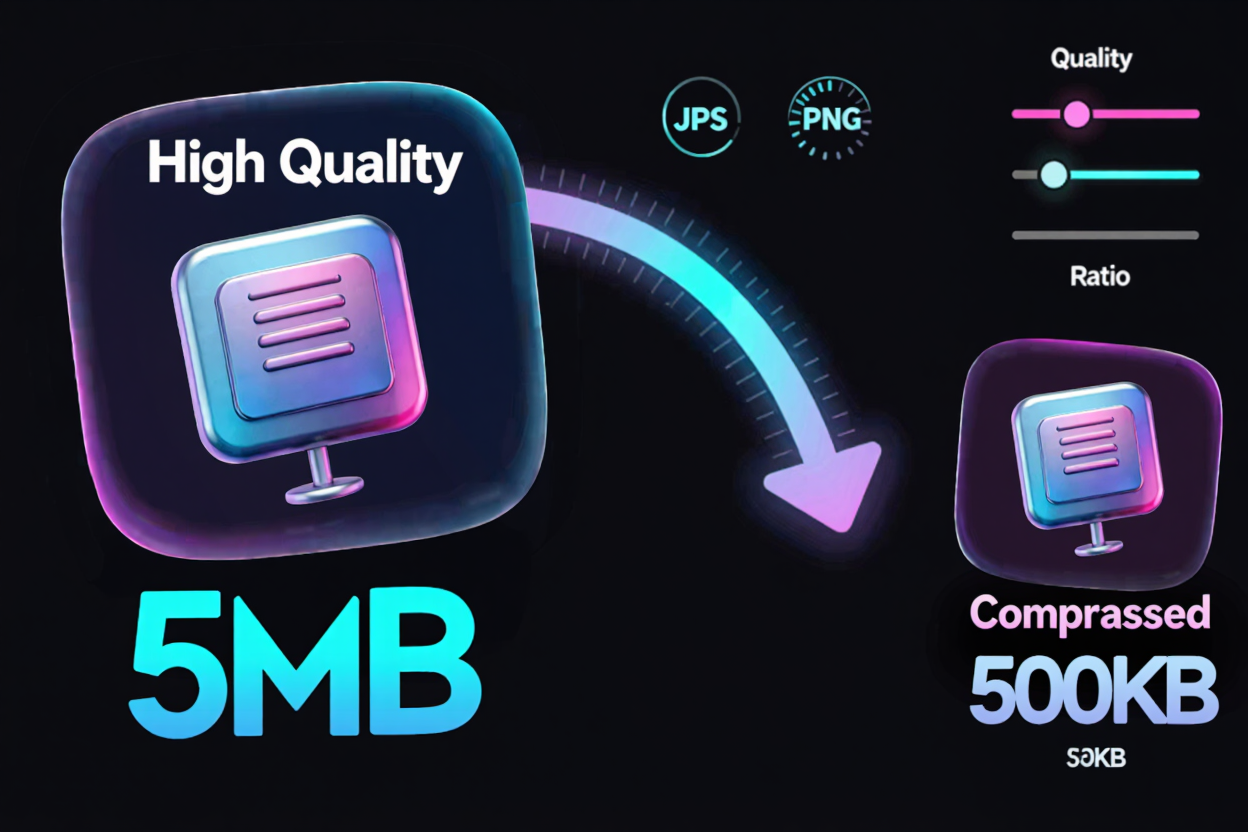
Image Compression Ratios: Quality vs. File Size
Master image compression ratios and quality for faster websites and optimal storage. Learn about lossy vs. lossless, file formats, and best practices with ConvertMinify.
In today’s digital world, images are everywhere. From stunning photography on e-commerce sites to engaging graphics in blog posts, visuals are crucial for capturing attention. However, these images come with a cost: file size. Large image files can drastically slow down your website, consume excessive storage, and impact user experience.
Understanding image compression ratios and how they affect quality is fundamental for anyone working with digital content. It’s about finding the perfect balance between a visually appealing image and an efficiently sized file.
What is Image Compression?
Image compression is the process of reducing the file size of a digital image. This reduction is achieved by removing redundant or less critical data from the image file. The goal is to make the image easier to store and quicker to transmit across networks, without significantly compromising its visual integrity.
Compression algorithms analyze image data and apply techniques to minimize the number of bits required to represent the image. This process is essential for optimizing web performance, saving bandwidth, and improving overall load times for websites and applications.
Lossy vs. Lossless Compression
There are two primary types of image compression, each with distinct characteristics and applications:
Lossy Compression
Lossy compression permanently removes some image data to achieve a smaller file size. Once this data is removed, it cannot be recovered. This method is highly effective for significant file size reductions, often making it ideal for web images where a slight quality reduction is acceptable in favor of speed.
Common lossy formats include JPEG (Joint Photographic Experts Group) and WebP (in its lossy mode). JPEG is widely used for photographs due to its efficiency in compressing complex scenes with many colors. While effective, repeatedly saving a lossy image can lead to noticeable degradation over time.
Lossless Compression
Lossless compression reduces file size without discarding any original image data. When a lossless image is decompressed, it is an exact replica of the original. This method is preferred when image quality and fidelity are paramount, such as for medical imaging, technical drawings, or images with sharp lines and text.
Examples of lossless formats include PNG (Portable Network Graphics), GIF (Graphics Interchange Format), and WebP (in its lossless mode). PNG is excellent for images with transparency or sharp-edged graphics, while GIF is best for simple animations and images with a limited color palette.
Understanding Compression Ratio
The compression ratio is a metric that describes how much an image's file size has been reduced. It's typically expressed as a ratio of the original file size to the compressed file size. For example, a 10:1 compression ratio means the original file was 10 times larger than the compressed file.
Calculating the ratio helps you quantify the effectiveness of your compression efforts. A higher compression ratio indicates a greater reduction in file size, which usually means faster loading times and less storage space. However, particularly with lossy compression, a very high ratio often comes at the expense of visual quality.
The Quality-Compression Trade-off
The relationship between image quality and compression ratio is often a delicate balancing act. As you increase the compression ratio (making the file smaller), the image quality generally decreases, especially with lossy methods. Conversely, maintaining high image quality typically results in a lower compression ratio and a larger file size.
For web images, striking the right balance is crucial. A slightly compressed image that loads quickly can significantly improve user experience and SEO. However, overly compressed images that appear pixelated or blurry can deter visitors and diminish your brand's professionalism.
When optimizing images, consider the context. A hero image on a landing page might warrant higher quality and thus less compression than a small thumbnail or an image in a lengthy blog post. Tools like a free image converter allow you to experiment with different compression levels and preview the results.
Factors Affecting Compression
Several factors influence how effectively an image can be compressed and what the resulting quality will be:
- Original Image Content: Images with simple colors, large areas of uniform color, or repetitive patterns generally compress better than highly detailed images with complex gradients and textures.
- File Format Chosen: As discussed, JPEG excels at compressing photographs, while PNG is better for graphics with transparency. Selecting the appropriate format for your image type is a key first step.
- Compression Settings: Most image compression tools allow you to adjust the compression level or quality setting. A higher quality setting means less compression and a larger file, and vice-versa. Finding the optimal setting requires testing.
Best Practices for Web Images
Optimizing your images for the web involves more than just compression. Here are some best practices:
- Choose the Right Format: Use JPEG for photos, PNG for graphics with transparency or sharp details, and consider WebP for its superior compression and quality balance across both scenarios.
- Optimize Dimensions: Resize images to the maximum dimensions they will be displayed at on your website. There's no need for a 4000px wide image if it will only ever be shown at 800px.
- Use a Reliable Tool: Utilize an efficient free image converter to manage your image compression. These tools often provide options for various formats and compression levels.
- Test and Preview: Always preview your compressed images to ensure the quality is acceptable. What looks good on one screen might not on another.
Beyond images, other digital assets also benefit from optimization. For instance, if you frequently work with documents, you might need to combine multiple files. You can easily Merge PDF files to streamline your document management, just as you would optimize images for web use.
Benefits of Smart Compression
Intelligent image compression offers a multitude of benefits:
- Faster Website Loading: Smaller images mean quicker downloads, leading to faster page load times. This is crucial for user retention and reducing bounce rates.
- Improved SEO: Search engines like Google favor fast-loading websites, potentially boosting your search rankings. Using tools to convert images online helps achieve this.
- Reduced Storage Costs: Smaller files require less server space, which can lead to cost savings, especially for websites with a large volume of images.
- Enhanced User Experience: Visitors appreciate fast, responsive websites. Optimized images contribute significantly to a seamless and enjoyable browsing experience.
Conclusion
Mastering image compression ratios and understanding the nuances of quality is an indispensable skill in the digital landscape. By making informed decisions about file formats, compression types, and quality settings, you can ensure your visuals are both stunning and performant. Leveraging powerful online tools helps simplify this process, allowing you to achieve optimal results with ease.
FAQ
What is a good compression ratio for web images?
A good compression ratio for web images often depends on the image's purpose and acceptable quality loss. For JPEGs, a quality setting of 60-80% (which can result in a 5:1 to 10:1 ratio or more) is often a good balance, but always visually inspect the result.
Does image compression affect SEO?
Yes, image compression significantly affects SEO. Faster loading pages due to optimized images improve user experience, reduce bounce rates, and are favored by search engine algorithms, potentially leading to higher rankings.
Can I reverse lossy compression?
No, lossy compression is irreversible. Once the data is discarded to reduce file size, it cannot be recovered. This is why it's recommended to keep a high-quality original version of your images if possible.
Ready to optimize your images for speed and quality? Visit ConvertMinify.com to efficiently compress and convert your images, enhancing your website's performance and user experience today!