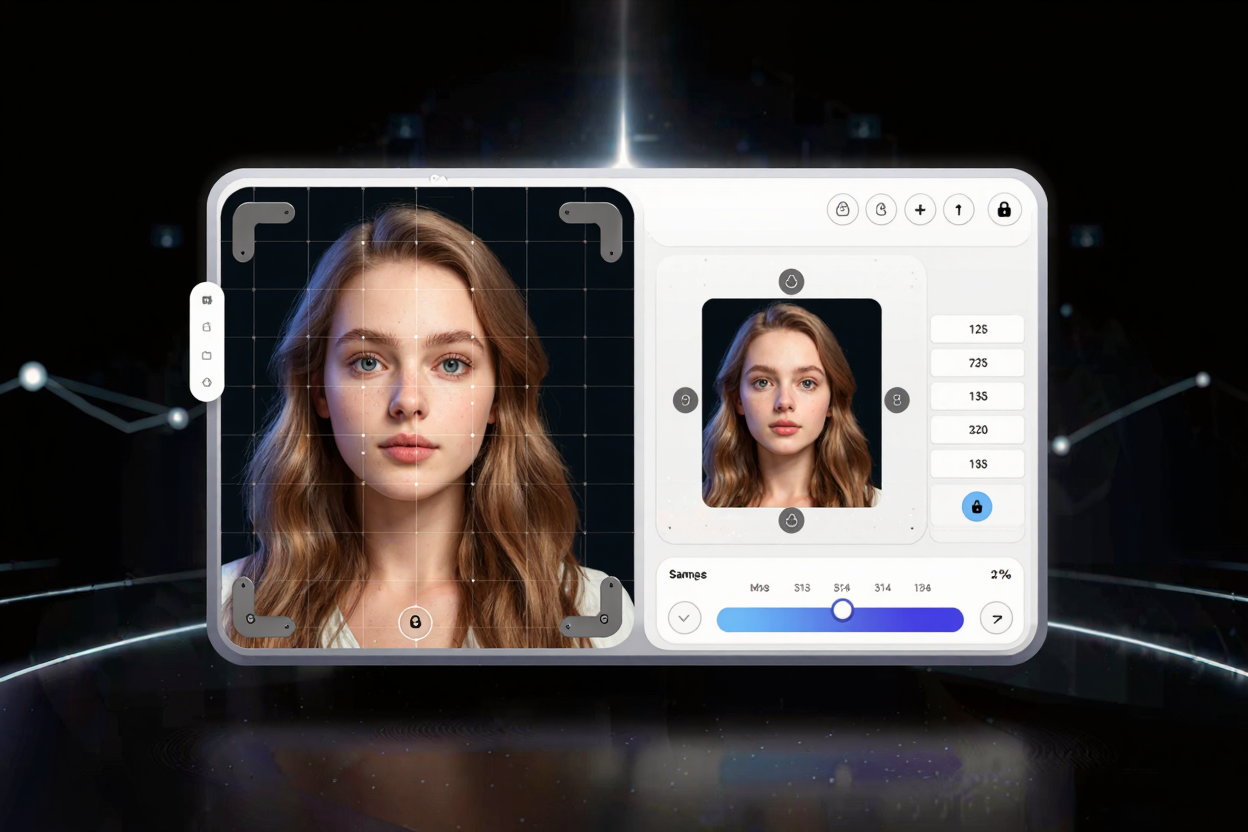
Image Cropping & Resizing Guide: Optimize Your Visuals
Master image cropping and resizing for perfect visuals. Learn techniques, aspect ratios, and optimization tips for web, social, and print. Use ConvertMinify for free image conversion.
In today’s visual-first world, mastering image manipulation is crucial for anyone creating digital content. Whether you're a blogger, a social media manager, or running an e-commerce store, knowing how to properly crop and resize images ensures your visuals are impactful, load quickly, and look professional across all platforms. This guide will walk you through the essentials, helping you achieve perfect image presentation every time.
Understanding Image Cropping
Image cropping is the process of removing unwanted outer areas from an image. It's like framing a picture to highlight its most important elements, cutting away distractions to draw the viewer's eye to the main subject. This technique is fundamental for improving composition and storytelling within your visuals.
Why Crop Images?
Cropping serves several key purposes. Firstly, it enhances composition by removing clutter and focusing on the subject. A well-cropped image can transform a busy shot into a clear, compelling visual. Secondly, it helps you adjust an image to fit specific aspect ratios required by different platforms, such as square for Instagram or wide for a website banner. Lastly, cropping can improve the overall aesthetic by creating a more balanced and visually appealing frame.
When to Crop
You should consider cropping when an image contains distracting elements on the edges, when the subject isn't centered or balanced effectively, or when you need to change the image's aspect ratio without distorting its content. Many online tools, including a free image converter, offer intuitive cropping features that make this process straightforward.
Understanding Image Resizing
Image resizing involves changing the dimensions (width and height) of an image, typically measured in pixels. Unlike cropping, resizing doesn't remove parts of the image; instead, it scales the entire image up or down. This is vital for optimizing image performance and ensuring they fit designated spaces without pixelation or excessive file size.
Why Resize Images?
Resizing is primarily used for optimization. Large images can significantly slow down website loading times, impacting user experience and SEO. By resizing images to appropriate dimensions for web use, you can maintain visual quality while drastically reducing file size. This is also essential for fitting images into specific layouts for print or social media without distortion.
Upscaling vs. Downscaling
When resizing, you'll either be upscaling (making an image larger) or downscaling (making an image smaller). Downscaling generally results in a higher-quality image, as you're reducing the number of pixels. Upscaling, however, often leads to a loss of quality, making the image appear blurry or pixelated, as the software has to