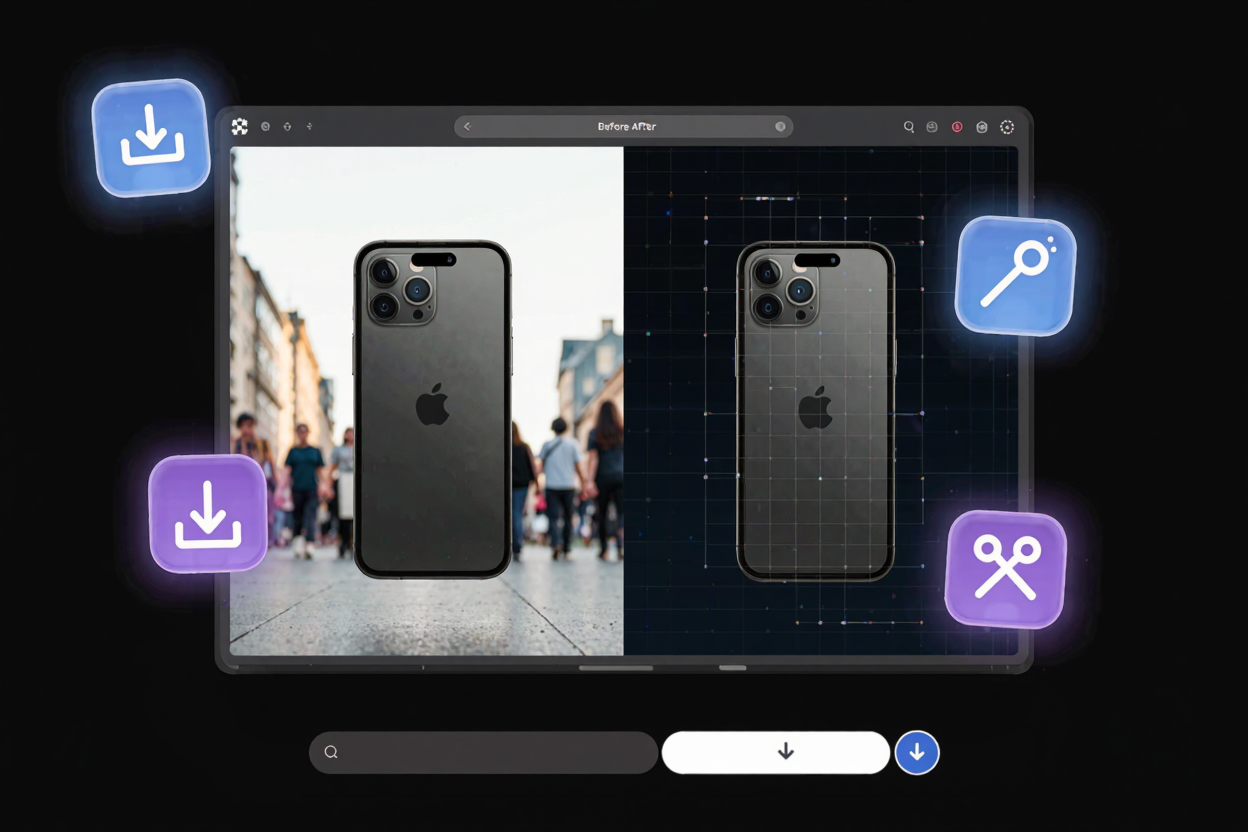
The Complete Guide to Image Background Removal
Master image background removal with this complete guide. Learn methods, tips, and utilize online tools to create stunning visuals for e-commerce, social media, and design.
In today's visually-driven world, the quality of your images can make or break your message. A distracting background can detract from your subject, diminish professionalism, and even hinder sales for online businesses. Fortunately, removing image backgrounds has become an accessible and essential skill for everyone from e-commerce sellers to social media enthusiasts and graphic designers.
This comprehensive guide will walk you through the importance of background removal, the various methods available, and how to achieve pristine results. Understanding this process can elevate your visual content, ensuring your subject always stands in the spotlight it deserves.
Why Image Background Removal Matters
Removing backgrounds isn't just about aesthetics; it serves practical purposes across various industries and personal uses. For e-commerce, a clean, consistent product image on a white or transparent background is crucial for building trust and brand identity. It helps products stand out and meet marketplace requirements.
For social media, professional profile pictures and engaging posts often benefit from a streamlined look, free from busy environments. Designers leverage background removal to isolate elements, create compelling collages, and integrate subjects seamlessly into new scenes. Even for personal photos, removing a cluttered background can transform a snapshot into a cherished memory or a stylish portrait.
Common Methods for Background Removal
There are several approaches to stripping an image of its unwanted backdrop, each with its own advantages. Choosing the right method depends on your skill level, the complexity of the image, and your available resources.
Manual Background Removal Tools
Traditional graphic design software like Adobe Photoshop or GIMP offers powerful manual tools for precise background removal. Techniques include using the pen tool for sharp edges, the magic wand for solid color areas, or layer masks for non-destructive editing. While these methods provide unparalleled control and accuracy, they demand significant time, skill, and often a subscription or software purchase.
Learning these tools requires a time investment, making them less ideal for quick, high-volume tasks. However, for intricate details or highly specific requirements, manual editing remains the gold standard. It's the preferred choice for professional designers who need absolute pixel-level control over their output.
AI-Powered Online Background Removal
The advent of artificial intelligence has revolutionized image editing, making background removal faster and more accessible than ever. Online AI-powered tools can automatically detect the subject of an image and intelligently separate it from the background in seconds. This technology saves countless hours and requires no specialized design skills.
These tools are particularly beneficial for small businesses, content creators, and individuals who need quick, high-quality results without the complexity of traditional software. Many platforms, like ConvertMinify, offer intuitive interfaces where you simply upload your image and let the AI do the heavy lifting. If you need a [free image converter], you'll find these platforms incredibly useful.
How to Use an Online Background Remover
Using an online background removal tool is remarkably straightforward, typically involving just a few simple steps. First, navigate to your chosen online tool's website. Most platforms have a clear