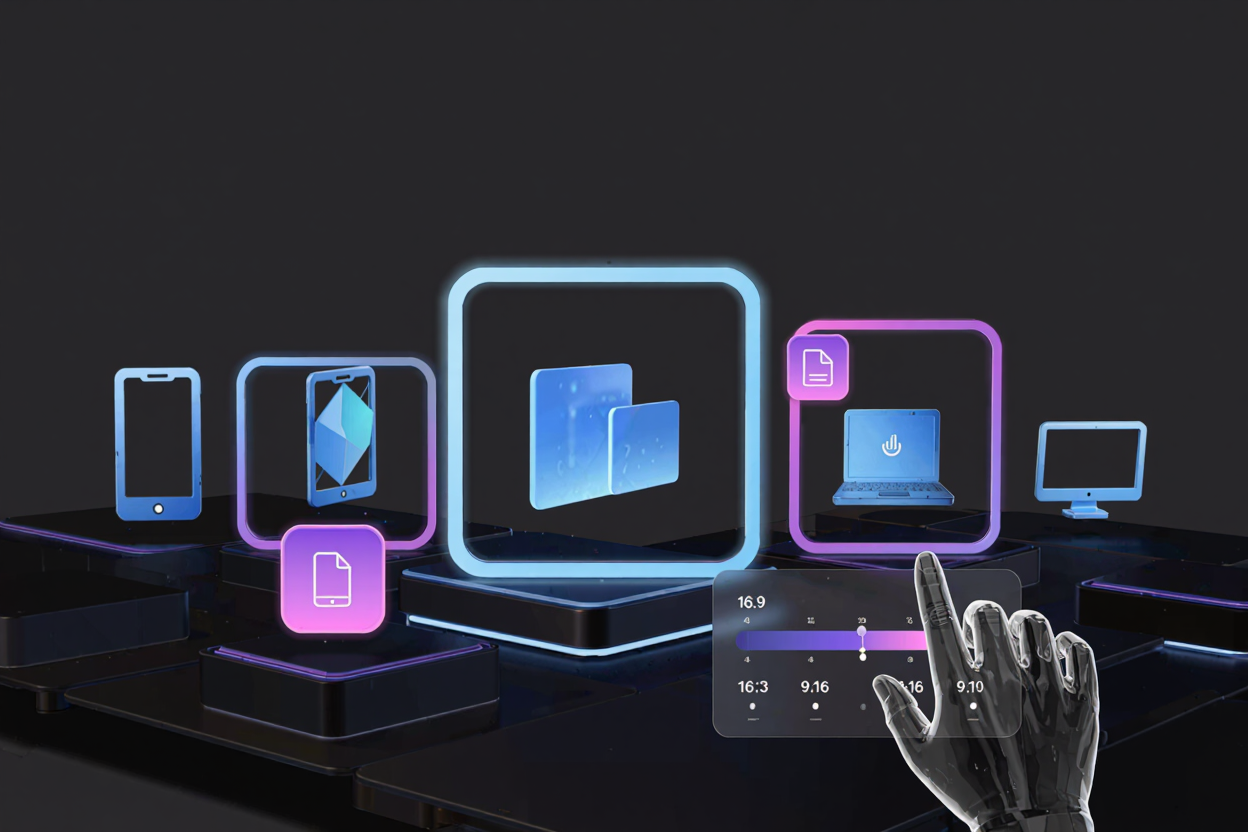
The Complete Guide to Image Aspect Ratios
Master image aspect ratios for perfect visuals every time. This guide covers common ratios (1:1, 16:9), their importance, and how to adjust them with a free image converter.
Images are fundamental to digital communication. From social media posts to website banners, visuals capture attention and convey messages instantly. However, the effectiveness of an image isn't just about its content; its shape, or aspect ratio, plays a crucial role.
Simply put, an image aspect ratio describes the proportional relationship between its width and its height. It's typically expressed as two numbers separated by a colon, like 16:9 or 4:3. The first number represents the width, and the second represents the height.
Understanding aspect ratios is essential for anyone working with digital media. It ensures your images look their best, fit their intended space perfectly, and maintain their visual integrity across various platforms. Ignoring aspect ratios can lead to distorted, cropped, or poorly displayed images, diminishing your content's impact.
Understanding Aspect Ratios
An aspect ratio isn't about the actual dimensions of an image, but rather the ratio of those dimensions. For instance, a 16:9 aspect ratio could apply to an image that is 1600x900 pixels, 3200x1800 pixels, or even 16x9 centimeters. All these images, despite different absolute sizes, share the same proportional shape.
This proportional consistency is key to responsive design and cross-platform compatibility. When you resize an image, maintaining its aspect ratio prevents it from becoming stretched or squashed. It ensures your visual content scales gracefully, adapting to different screens and layouts without losing quality.
Why Aspect Ratios Matter for Your Visuals
The correct aspect ratio ensures your images are displayed as intended, preserving composition and preventing awkward cropping. It's vital for maintaining a professional appearance and delivering a consistent user experience. Visual integrity directly impacts how your audience perceives your brand or message.
Choosing the right aspect ratio also optimizes images for specific platforms. Social media sites, websites, and print materials often have distinct requirements. Using the recommended aspect ratio for each context prevents automatic cropping that might cut off essential parts of your image, or adds unsightly letterboxing or pillarboxing.
Common Aspect Ratios Explained
Different aspect ratios serve different purposes and are prevalent in various media. Familiarizing yourself with these common ratios will significantly improve your content creation workflow.
1:1 (Square)
The 1:1 aspect ratio means the width and height are equal, creating a perfect square. This ratio is iconic and widely used across many digital platforms.
It's particularly popular on social media platforms like Instagram for profile pictures and grid posts. A square image provides a balanced, symmetrical look that often works well for close-ups or simple compositions.
4:3 (Standard/Traditional)
Once the standard for television screens and computer monitors, the 4:3 aspect ratio is still found in some older cameras and projectors. It offers a slightly wider than square, classic photographic feel.
While less common for modern widescreen displays, 4:3 can provide a nostalgic or specific aesthetic. It's often used for older content or in situations where a more vertical frame is preferred over a widescreen view.
3:2 (Photography Standard)
The 3:2 aspect ratio is the native ratio for many DSLR and mirrorless cameras. This ratio is slightly wider than 4:3, offering a natural feel for traditional photography prints.
It's a versatile ratio, providing a good balance between width and height, suitable for a wide range of subjects from landscapes to portraits. Many photographers prefer 3:2 for its classic photographic proportions.
16:9 (Widescreen)
The 16:9 aspect ratio is the modern standard for high-definition televisions, computer monitors, and most video content. It provides a wide, cinematic view that is ideal for immersive visual experiences.
Websites often use 16:9 for hero banners and embedded videos, ensuring a seamless fit on contemporary displays. It's also a popular choice for presentations and online meeting backgrounds.
9:16 (Vertical)
The inverse of 16:9, the 9:16 aspect ratio is designed for vertical viewing on mobile devices. It has become incredibly popular with the rise of platforms like Instagram Stories, TikTok, and YouTube Shorts.
This vertical format fills the entire screen on a smartphone held upright, offering an engaging, full-screen experience for mobile users. It's essential for creating content optimized for portrait mode consumption.
21:9 (Ultrawide/Cinematic)
The 21:9 aspect ratio, also known as ultrawide or cinematic, offers an even broader panoramic view than 16:9. It's often used for professional film production and specialized monitors.
While less common for everyday content, 21:9 can create a truly immersive, expansive visual experience. It's ideal for epic landscapes or highly cinematic video projects.
Aspect Ratios in Different Contexts
Understanding how aspect ratios apply to various digital and print mediums is crucial for effective content delivery. Each context has specific optimal ratios.
Web Design & Development
For websites, aspect ratios are critical for responsive design. Images must adapt seamlessly to different screen sizes without distorting or creating awkward empty spaces. Using consistent aspect ratios for elements like hero images, thumbnails, and gallery items ensures a polished, professional look. Neglecting this can lead to broken layouts and a poor user experience.
Social Media
Social media platforms are highly specific about image and video aspect ratios. Instagram, Facebook, Twitter, and LinkedIn all have recommended dimensions for posts, stories, and profile pictures. Adhering to these guidelines prevents automatic cropping, which can ruin your carefully composed visuals. Always check the latest platform specifications before uploading.
Print Media
Print projects, from brochures to posters, also rely on precise aspect ratios to ensure images fit correctly within layouts. Unlike digital, print often involves physical dimensions, so understanding how your digital aspect ratio translates to a physical page is vital. For example, a standard photo print might be 4x6 inches, which is a 3:2 aspect ratio. When managing documents for print, you might also need to organize multiple files; in such cases, you might find it useful to Merge PDF files for easier handling.
Video Production
Video aspect ratios dictate how your footage appears on different screens. Shooting and editing in the correct ratio ensures your video fills the screen optimally, avoiding black bars (letterboxing or pillarboxing). The most common is 16:9 for widescreen, but vertical video (9:16) is now standard for mobile-first platforms.
How to Determine and Change Aspect Ratios
Knowing an image's aspect ratio and how to adjust it is a fundamental skill. Most operating systems allow you to check image properties to see dimensions.
To change an aspect ratio, you typically have two main options: cropping or resizing. Cropping removes parts of the image to achieve a new ratio, while resizing scales the image without changing its proportions (unless you specifically force a new ratio, which can distort it). For quick and efficient adjustments, an online tool is often the best solution. You can easily convert images online to fit new dimensions and aspect ratios.
Using a free image converter like ConvertMinify allows you to upload an image and specify the desired output dimensions or aspect ratio. The tool handles the calculations, often providing options for how to manage any excess image area, such as cropping or fitting. This process is much faster and simpler than using complex desktop software for simple ratio adjustments.
Tips for Working with Aspect Ratios
- Plan Ahead: Before creating content, consider where it will be published and what aspect ratios are required. This proactive approach saves time and avoids rework.
- Maintain Consistency: For a cohesive brand image, try to maintain consistent aspect ratios across similar content types on your website or social media.
- Test Across Platforms: Always preview your images and videos on different devices and platforms to ensure they display correctly. What looks good on a desktop might be cropped on mobile.
- Utilize the Right Tools: Leverage online image editors and converters to quickly adjust aspect ratios without compromising quality. A reliable free image converter can be a game-changer for your workflow.
FAQ
What is the most common aspect ratio for social media?
While it varies by platform and content type, 1:1 (square) is very common for profile pictures and grid posts on platforms like Instagram. For stories and vertical video, 9:16 is the standard. Always check specific platform recommendations for optimal results.
Can changing an aspect ratio distort my image?
Yes, if you force an image to a new aspect ratio without proper cropping or intelligent scaling, it can become stretched or squashed. It's crucial to understand the difference between resizing (scaling while maintaining ratio) and cropping (changing ratio by removing parts).
How do I maintain image quality when adjusting aspect ratios?
To maintain quality, try to start with a high-resolution image. When cropping, ensure you still have enough pixels for your desired output size. When resizing, use tools that offer intelligent scaling algorithms. Avoid enlarging small images to much larger dimensions, as this will lead to pixelation.
Optimize Your Visuals Today
Mastering image aspect ratios is a key skill in today's visual-first world. By understanding these proportions and utilizing the right tools, you can ensure your images always look professional and impactful. Ready to fine-tune your visuals? Visit ConvertMinify to easily manage and convert your images for any platform.