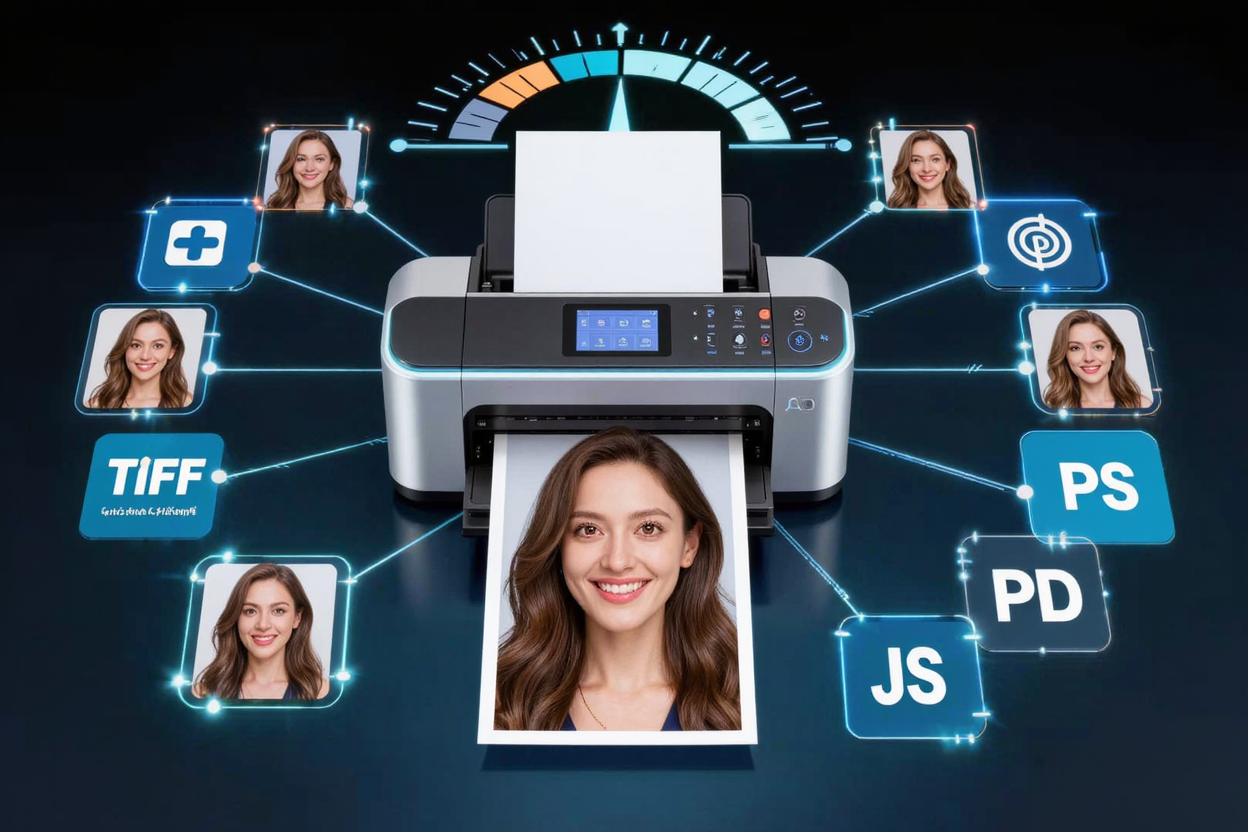
Best Image Formats for Printing High Quality Photos
Discover the best image formats like TIFF, RAW, and high-quality JPEG for printing stunning, high-resolution photos. Optimize your images for professional results.
Printing high-quality photos is an art that begins long before the paper meets the ink. The choice of image format plays a crucial role in determining the final output, influencing everything from color accuracy to sharpness and detail. Understanding which format to use can elevate your prints from good to exceptional, ensuring your cherished memories or professional works look their best.
At ConvertMinify, we understand the nuances of digital images and their physical manifestations. This guide will walk you through the essential image formats, helping you make informed decisions for your printing needs.
Understanding Image Format Fundamentals
Before diving into specific formats, it’s helpful to grasp a few core concepts. Images are broadly categorized into raster and vector. For photographic printing, we primarily deal with raster images, which are composed of a grid of pixels.
Another critical distinction is between lossy and lossless compression. Lossy formats reduce file size by permanently discarding some image data, while lossless formats compress data without any loss, preserving every single pixel of information.
Raster vs. Vector
Raster images are pixel-based, meaning their quality is tied to their resolution (DPI/PPI). Enlarging a raster image beyond its original resolution can lead to pixelation. Vector images, on the other hand, are based on mathematical paths and can be scaled infinitely without losing quality, but they are typically used for logos, illustrations, and graphics, not photographs.
Lossy vs. Lossless Compression
Lossy compression, exemplified by JPEG, significantly reduces file size but sacrifices some image data in the process. While often imperceptible at lower compression levels, repeated saving or high compression can degrade image quality. Lossless compression, used by formats like TIFF and PNG, retains all original image data, making them ideal for archiving and professional printing where every detail matters.
Resolution (DPI/PPI)
Dots Per Inch (DPI) and Pixels Per Inch (PPI) refer to the resolution of an image, indicating how many pixels or dots are packed into a linear inch. For high-quality prints, a common recommendation is 300 DPI. This ensures that the printer has enough data to reproduce fine details smoothly and without pixelation.
The Best Image Formats for High-Quality Printing
When it comes to printing photos, certain formats stand out for their ability to preserve image integrity and detail.
TIFF (Tagged Image File Format)
TIFF is widely considered the gold standard for high-quality image printing and archiving. It’s a lossless format, meaning it retains all original image data, resulting in no loss of quality even after multiple edits and saves. TIFF files support various color spaces (RGB, CMYK) and can handle high bit depths, making them perfect for professional photography and graphic design.
Its main drawback is large file size, which can consume significant storage space. However, for critical prints where absolute fidelity is paramount, TIFF is unmatched. If you need to convert images to TIFF or other formats, a free image converter can be incredibly useful.
RAW (Raw Image Format)
RAW files are direct, unprocessed data captured by your camera sensor. They are not technically an image format in the traditional sense but rather a digital negative. Formats like .CR2 (Canon), .NEF (Nikon), .ARW (Sony), and .DNG (Adobe Digital Negative) offer the maximum amount of detail and dynamic range. This gives you unparalleled flexibility during post-processing, allowing you to adjust exposure, white balance, and color with precision without degrading the image quality.
RAW files must be processed and exported to another format (like TIFF or high-quality JPEG) before printing. They are essential for professional photographers who demand ultimate control over their final output.
JPEG (Joint Photographic Experts Group)
JPEG is the most common image format, known for its excellent compression and small file sizes, making it ideal for web use and sharing. However, JPEG uses lossy compression, which means image data is discarded each time the file is saved. For printing, it’s crucial to save JPEGs at the highest possible quality setting (lowest compression) to minimize data loss.
While not as robust as TIFF or RAW for archiving or heavy editing, a high-quality JPEG can produce excellent prints, especially for everyday use or smaller print sizes. If you start with a high-resolution image and save it with minimal compression, JPEG can be a perfectly acceptable option for many printing scenarios. When you need to adjust file sizes or formats for various uses, you can easily convert images online.
PSD (Photoshop Document)
PSD is Adobe Photoshop's native file format. It's a powerful format that supports layers, masks, adjustment layers, and other Photoshop-specific features. While not a final print format itself, PSD is invaluable for photographers and designers who need to retain all their editing capabilities before exporting to a print-ready format like TIFF or high-quality JPEG. It effectively acts as your working file.
Choosing the Right Format for Your Print Project
The best format for your print depends on several factors:
- Print Size: For large prints (e.g., posters, canvases), RAW or TIFF are highly recommended to preserve detail. For smaller prints (e.g., 4x6, 5x7), a high-quality JPEG might suffice.
- Editing Needs: If extensive post-processing is anticipated, start with RAW for maximum flexibility, then save as PSD for layered edits, and finally export to TIFF for the final print.
- Professional vs. Home Printing: Professional print labs often prefer TIFF or high-quality JPEG files with specific color profiles (e.g., Adobe RGB). For home printing, high-quality JPEGs are generally fine, but TIFFs will offer superior results.
- Archiving: For long-term archiving, lossless formats like TIFF or RAW are the safest bet to ensure future compatibility and quality.
Optimizing Your Images Before Printing
Regardless of the format, a few steps can further optimize your images for printing:
- Check Resolution: Ensure your image has sufficient resolution (at least 300 DPI for most prints) at your desired print size. You can adjust this in image editing software.
- Color Profile: Use the correct color profile. sRGB is standard for web, but Adobe RGB or ProPhoto RGB offer a wider color gamut and are often preferred by professional printers. Always embed the color profile when saving.
- Sharpening: Apply a final sharpening pass after resizing, specifically for the print medium. Be careful not to over-sharpen.
- Convert Formats: If your original image is in a less suitable format (e.g., a low-quality web JPEG), consider using a reliable free image converter to convert it to a higher-quality format like TIFF, if possible, although quality cannot be added back to a heavily compressed image.
While optimizing your images for print, remember the importance of digital security. Protecting your files, whether they are high-resolution images or sensitive documents, often starts with strong credentials. You can create robust passwords using a Password Generator to safeguard your digital assets.
FAQ
Q: Can I print a high-quality photo from a PNG file?
A: While PNG is a lossless format and great for graphics with transparency, it's generally not ideal for printing photographs. PNG files typically use the RGB color space and can be very large for complex photos, often making TIFF or high-quality JPEG more suitable for photographic prints.
Q: What is the ideal DPI for printing photos?
A: For most high-quality photographic prints, 300 DPI (dots per inch) is considered the industry standard. This resolution ensures that the printed image has sufficient detail and appears sharp without pixelation.
Q: Should I convert my RAW files to JPEG for printing?
A: It's generally recommended to convert RAW files to a lossless format like TIFF or a high-quality JPEG (with minimal compression) for printing. RAW files require processing and cannot be directly printed by most services. Converting to TIFF retains maximum quality, while a high-quality JPEG is a good compromise for smaller files with excellent results.
Conclusion
Selecting the right image format is a foundational step in achieving stunning photo prints. By understanding the strengths of formats like TIFF, RAW, and high-quality JPEG, you can ensure your images retain their clarity, color, and detail from screen to paper. Make informed choices, optimize your files, and enjoy truly exceptional prints every time.
Ready to prepare your images for printing? Visit ConvertMinify.com to efficiently manage and convert your digital files with ease.