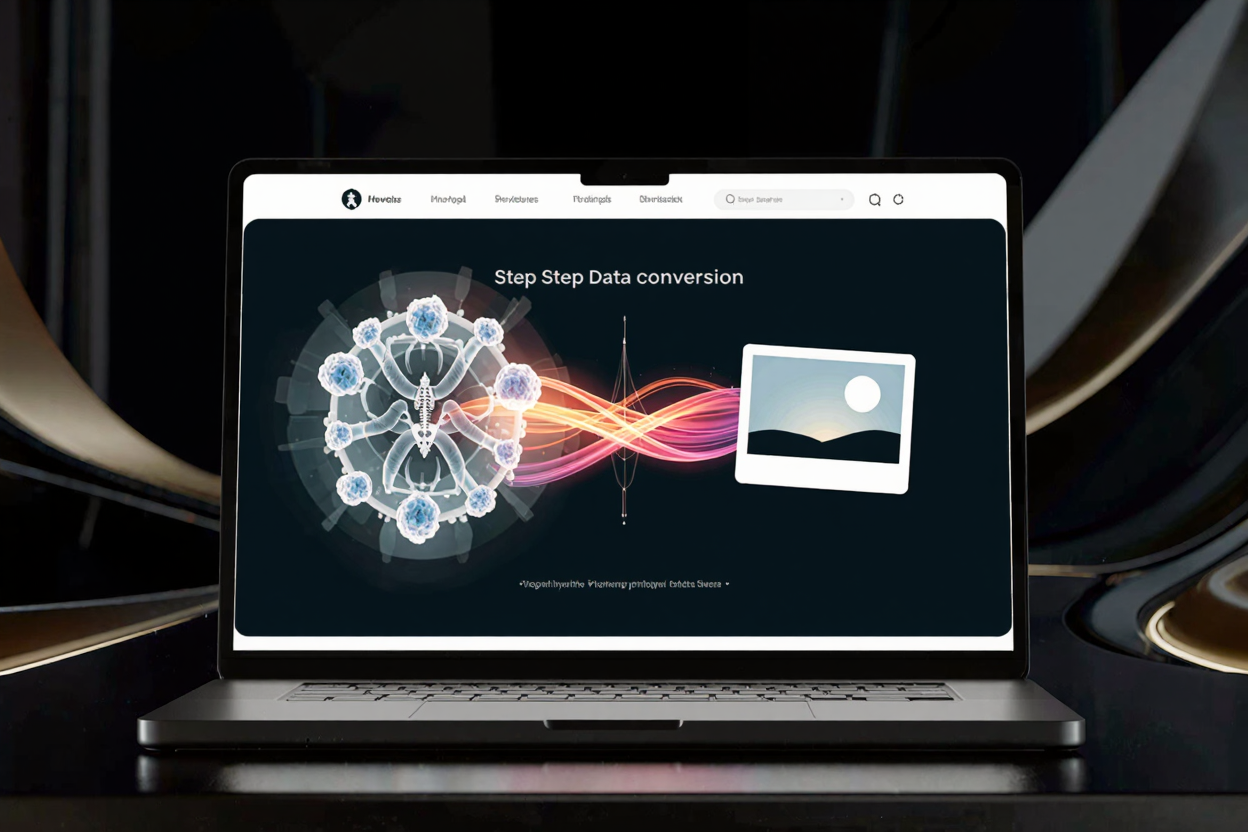
Convert Medical Images to Standard Formats Easily
Learn how to convert medical images like DICOM to standard formats (JPEG, PNG, TIFF) for easy sharing and accessibility. Use ConvertMinify for a seamless online experience.
In today’s fast-paced medical world, the ability to seamlessly share and access patient information is paramount. Medical images, such as X-rays, MRIs, and CT scans, are crucial diagnostic tools. However, these images often come in specialized formats that aren't universally compatible.
Converting these complex medical images into standard, widely recognized formats is essential for better collaboration, easier sharing, and improved data accessibility across different platforms and healthcare providers. This guide will walk you through the importance of this conversion and how to achieve it efficiently.
Understanding Specialized Medical Image Formats
Medical imaging technologies generate a vast amount of data, which is typically stored in formats designed for high precision and specific medical applications. The most prevalent of these is DICOM (Digital Imaging and Communications in Medicine).
DICOM files contain not only the image data but also extensive patient information, study details, and acquisition parameters. While comprehensive, this format requires specialized viewers and software, limiting its accessibility to those without the necessary tools.
Why Convert Medical Images?
Converting medical images from specialized formats like DICOM to standard ones like JPEG, PNG, or TIFF offers numerous benefits. Primarily, it enhances interoperability, allowing images to be viewed on virtually any device or software without proprietary applications.
This conversion facilitates easier sharing with patients, referring physicians, and insurance companies who might not have DICOM viewers. It also streamlines the integration of images into Electronic Health Records (EHR) systems and presentations.
Common Standard Image Formats for Conversion
When converting medical images, several standard formats offer different advantages:
- JPEG (Joint Photographic Experts Group): Ideal for general sharing due to its high compression ratio, resulting in smaller file sizes. It's excellent for web use and email, though it uses lossy compression, meaning some data is discarded.
- PNG (Portable Network Graphics): A lossless compression format, meaning no data is lost during compression. PNG is great for images where detail and quality are critical, and it supports transparency. For optimizing PNGs, a PNG Compressor can be very useful.
- TIFF (Tagged Image File Format): Often preferred in professional and medical settings for its high-quality, lossless compression. TIFF files can be larger but preserve image integrity, making them suitable for archiving and printing where fidelity is paramount.
Choosing the right format depends on your specific needs, balancing file size, quality, and intended use.
The Conversion Process: Manual vs. Online Tools
Historically, converting medical images often involved complex, expensive software requiring technical expertise. This method can be time-consuming and inaccessible for many healthcare professionals.
Fortunately, with advancements in web technology, online conversion tools now offer a straightforward and efficient alternative. These platforms simplify the process, making it accessible to anyone with an internet connection.
Benefits of Using an Online Image Converter
Using an online platform like free image converter brings several advantages. It eliminates the need for software installation, saving valuable time and system resources. Online converters are typically user-friendly, featuring intuitive interfaces that guide you through the conversion steps.
They also offer the flexibility to convert images from any device, anywhere, ensuring that critical data is always accessible when needed. This convenience is invaluable in a medical environment where quick access to information can impact patient care.
Key Features to Look for in an Online Converter
When choosing an online tool to convert images online, consider these important features:
- Security and Privacy: Ensure the platform adheres to strict data privacy regulations, especially when handling sensitive patient information. Look for secure connections (HTTPS) and clear privacy policies.
- Ease of Use: An intuitive interface that allows for quick drag-and-drop uploads and minimal steps to convert.
- Supported Formats: The converter should support a wide range of input (e.g., DICOM) and output (e.g., JPEG, PNG, TIFF) formats.
- Batch Conversion: The ability to convert multiple images simultaneously can be a significant time-saver.
- Quality Control: Options to adjust compression levels or image quality settings for output files.
Step-by-Step Guide to Converting Medical Images Online
Converting your medical images to standard formats is typically a simple process with an online converter. Here's a general outline:
- Navigate to the Converter: Go to a reliable online image conversion website, such as a free image converter.
- Upload Your Files: Click on the upload button or drag and drop your medical image files (e.g., DICOM files) into the designated area. You might be able to upload multiple files at once.
- Select Output Format: Choose your desired standard format, such as JPEG, PNG, or TIFF, from the available options.
- Adjust Settings (Optional): Some converters offer options to adjust image quality, resolution, or compression. Make any necessary adjustments.
- Start Conversion: Click the