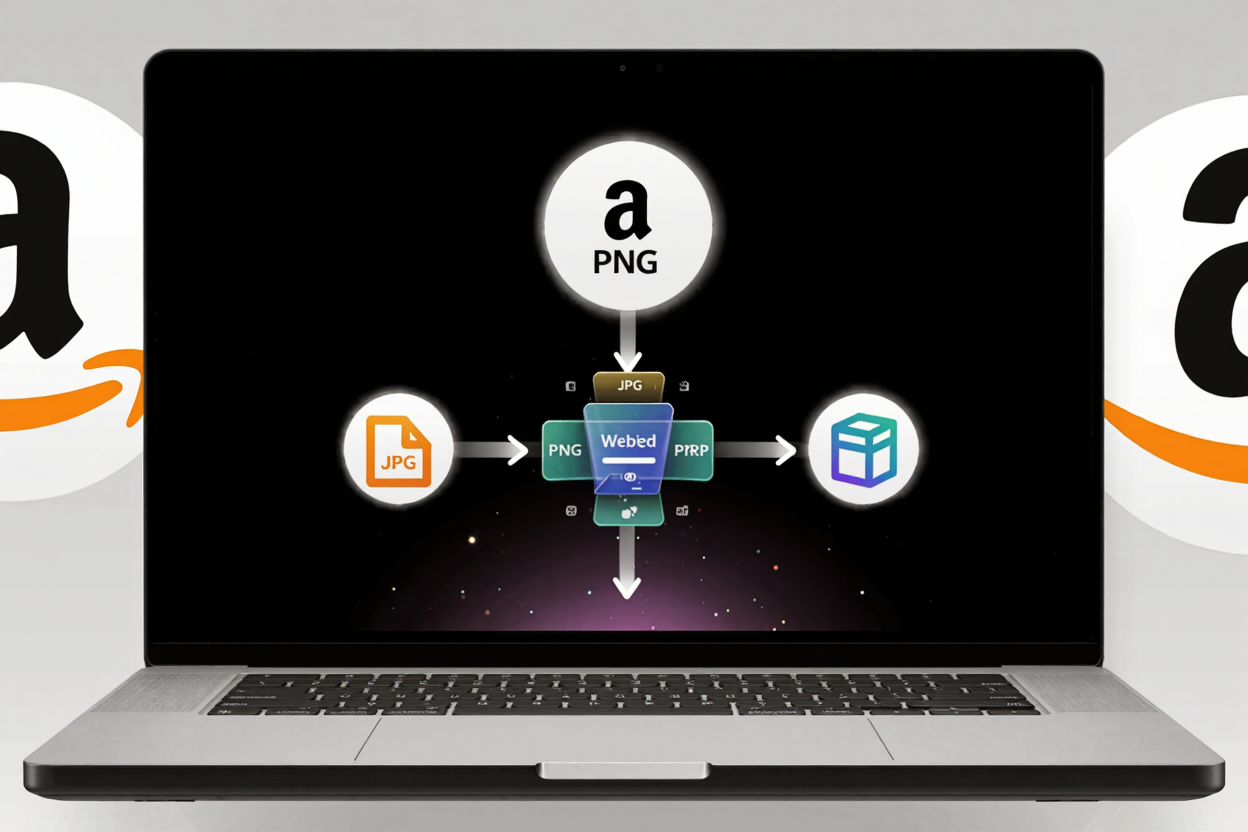
Convert Images for Amazon Listings: A Complete Guide
Master Amazon image requirements. Learn how to convert, resize, and optimize product images for stunning listings with ConvertMinify's free online tools. Boost sales!
Optimizing your product images for Amazon is not just about aesthetics; it's a critical step for boosting visibility, conversions, and ultimately, sales. Amazon has stringent guidelines for product images, and failing to meet them can lead to suppressed listings or a poor customer experience. Understanding these requirements and knowing how to properly convert and optimize your images is paramount for any successful Amazon seller.
This guide will walk you through the essential steps to prepare your images, ensuring they meet Amazon's standards while looking their best. We'll cover everything from format and size requirements to best practices for visual appeal, all with the help of efficient online tools.
Understanding Amazon's Image Requirements
Amazon's image guidelines are designed to ensure consistency and quality across its vast marketplace. Adhering to these rules is non-negotiable for a professional listing. Let's break down the key specifications you need to know.
General Image Requirements
All images on Amazon must meet several core criteria. They should accurately represent the product, be in focus, well-lit, and professionally shot. The product must fill at least 85% of the image frame, and the background for your main product image must be pure white (RGB 255, 255, 255).
File formats accepted include JPEG (.jpg), PNG (.png), GIF (.gif), and TIFF (.tif). JPEG is generally preferred due to its balance of quality and file size. Your images should also be free of watermarks, text, or graphics that are not part of the product itself.
Image Dimensions and Resolution
Amazon requires images to be at least 1000 pixels on the longest side to enable the zoom feature, which is crucial for customer engagement. For optimal quality, aim for images between 1000 and 10,000 pixels on the longest side. A common recommendation is 2000 pixels on the longest side, as this provides excellent zoom capability without creating excessively large files.
The aspect ratio is also important; while Amazon doesn't strictly enforce a specific ratio, square images (1:1 aspect ratio) often look best and are easiest to manage across various display sizes. High resolution is key to showcasing product details clearly, making your items more appealing to potential buyers.
Choosing the Right Image Format
Selecting the correct file format for your Amazon product images can significantly impact their quality and loading speed. Each format has its strengths and weaknesses, making certain ones more suitable for specific types of visuals.
JPEG for Photographs
JPEG (Joint Photographic Experts Group) is the most common and recommended format for product photography. It offers excellent compression for complex images with many colors and gradients, making file sizes manageable without a noticeable loss in visual quality. This is ideal for most product photos, ensuring fast loading times for your customers.
PNG for Graphics and Transparency
PNG (Portable Network Graphics) is best suited for graphics, logos, or images that require a transparent background. Unlike JPEG, PNG supports lossless compression, meaning no image data is lost during the compression process. If your product has intricate edges or needs to be placed on a specific background for secondary images, PNG is the go-to choice.
While TIFF offers high quality, its large file sizes make it impractical for web use. GIFs are generally not suitable for high-quality product images due to their limited color palette, though they can be used for very specific, simple animations if allowed by Amazon for certain content types.
The Conversion Process with ConvertMinify
Converting your images to meet Amazon's specifications doesn't have to be complicated. Tools like our free image converter make the process straightforward, allowing you to quickly adjust formats, resize, and optimize your visuals.
Step-by-Step Conversion Guide
- Upload Your Image: Start by visiting ConvertMinify and uploading the image you wish to convert. Our platform supports a wide range of input formats, so you can begin with almost any existing photo.
- Select Target Format: Choose your desired output format, typically JPEG or PNG, based on whether your image is a photograph or requires transparency. This ensures compatibility with Amazon's platform.
- Adjust Dimensions and Quality: Here, you can resize your image to meet Amazon's minimum 1000-pixel requirement, or ideally, 2000 pixels on the longest side. You can also adjust the quality settings to find the perfect balance between file size and visual fidelity. For JPEGs, a quality setting of 80-90% often yields excellent results.
- Convert and Download: With your settings in place, simply click the convert button. Our free image converter will process your image, and you can then download the optimized file directly to your device. It’s a quick and efficient way to get your images ready for Amazon.
Optimizing Images for Performance and SEO
Beyond meeting the basic requirements, optimizing your images further can significantly impact your listing's performance. Faster loading images improve user experience and can even positively influence your search ranking on Amazon.
File Size Reduction
While Amazon has minimum size requirements, it's equally important to keep file sizes as small as possible without sacrificing quality. Large files slow down page loading, which can deter potential customers. Tools like a PNG Compressor can drastically reduce file sizes while maintaining image integrity, especially for graphics or images with transparent backgrounds.
When you convert images online, always aim for the smallest possible file size that still meets Amazon's quality standards. This balance is key to a fast and engaging product page.
Naming Conventions and Alt Text (Briefly)
Although Amazon's image SEO is primarily driven by your product title and description, using descriptive filenames (e.g., brand-product-model-color-main.jpg) can provide a minor organizational benefit. Amazon automatically generates alt text, but ensuring your images are relevant to your product description indirectly helps your listing's overall relevance.
Best Practices for Amazon Product Images
Beyond the technical specifications, certain visual best practices can make your product listings truly stand out and convert visitors into buyers.
- High-Resolution Clarity: Always use high-resolution images that are sharp and clear. Blurry or pixelated images immediately convey unprofessionalism.
- Pure White Background for Main Image: Your main product image must feature the product on a pure white background. This helps the product stand out and maintains a clean, consistent look across Amazon.
- Show Product in Use: For secondary images, demonstrate your product in real-life scenarios. This helps customers visualize themselves using the product and understand its benefits.
- Highlight Key Features: Use additional images to showcase specific features, dimensions, or variations. Infographics can also be effective here, as long as they adhere to Amazon's content rules.
- Consistency is Key: Maintain a consistent style, lighting, and quality across all your product images. This builds trust and reinforces your brand's professionalism.
- No Watermarks or Promotional Text: Avoid any elements that distract from the product itself. Amazon has strict rules against watermarks, logos, or promotional text on images that aren't part of the product. Our free image converter helps ensure your final images are clean and compliant.
FAQ
Q: What's the best image format for Amazon product listings?
A: JPEG is generally the best format for product photographs due to its excellent compression and quality balance. PNG is ideal for images requiring transparency or crisp graphics.
Q: Can I use images with text on them for my Amazon listing?
A: For your main product image, absolutely no text, watermarks, or graphics are allowed unless they are part of the product itself. For secondary images, minimal, informative text can sometimes be used in infographics, but always check Amazon's latest guidelines.
Q: How many images should I include for each product?
A: Amazon allows up to nine images per product listing, including the main image. It's recommended to utilize as many as possible to provide a comprehensive view of your product, showcasing different angles, features, and in-use scenarios.
Start Converting Your Images Today
Mastering Amazon's image requirements is a crucial step toward e-commerce success. By using the right tools and following these best practices, you can create stunning product listings that attract more customers and drive sales. Visit ConvertMinify today to effortlessly convert, resize, and optimize your images for Amazon, ensuring your products always look their best.